Product demonstrations
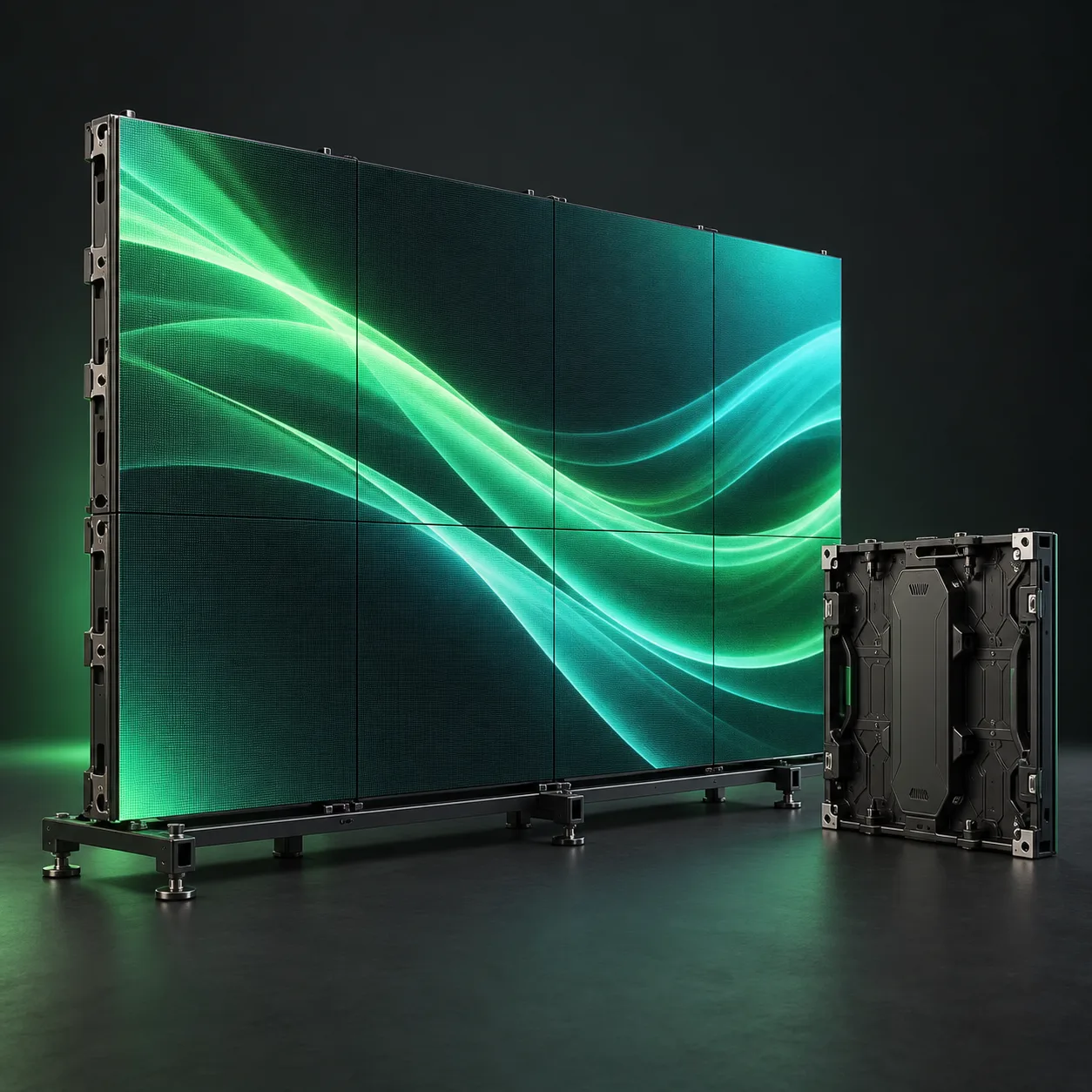
Give sales teams a shared screen for presentations and software demos. Display size and mounting height are selected around the conversation area and how closely visitors approach.
Category illustration. Exact models and configuration are confirmed in your quote.
Equipment / Rental
Freestanding displays for exhibition stands, product demonstrations, reception areas and event lounges. Choose the screen, stand and playback arrangement as one practical rental setup.
Your event. Your setup.
Tell us the dates, venue and what you need to achieve. We’ll put together the equipment and support scope.
Request a rental quoteEquipment, availability and service scope are confirmed individually.01 / Configuration
Key choices we work through with you before confirming the rental package.
02 / Applications
Give sales teams a shared screen for presentations and software demos. Display size and mounting height are selected around the conversation area and how closely visitors approach.
Present schedules, directions or welcome content where visitors can see it. The setup considers placement, update requirements and a clear route for power and signal.
Add branded video or supporting visuals without building a full LED wall. Several screens can be planned as part of the stand layout, each with an agreed content source.
Complete the setup
Sound, light, TVs, projectors, touchscreens, VR headsets, iPads, computers and stage constructions — all from one supplier.
Tailor-made interactive experiences for events and exhibitions — built from scratch around your goals, not from templates.
FAQ
Practical answers to help you plan the equipment for your event.
Send the available space, viewing distance and the type of content. We will confirm suitable screen sizes and model availability for your event dates as part of the proposal.
A compatible floor stand or another agreed mounting solution can be included. Tell us whether the screen is freestanding or part of a stand build so the mounting and cable routing can be planned.
Yes, with a playback method suited to the selected display and content. Send a sample file before the event so format, orientation and looping can be checked.
For touch interaction, use a touchscreen or an appropriate interactive system. A standard TV can display content from an external installation; the input method and software are scoped separately.
Your next event
Send the event details and the equipment you have in mind. We’ll help define a configuration that fits the project.